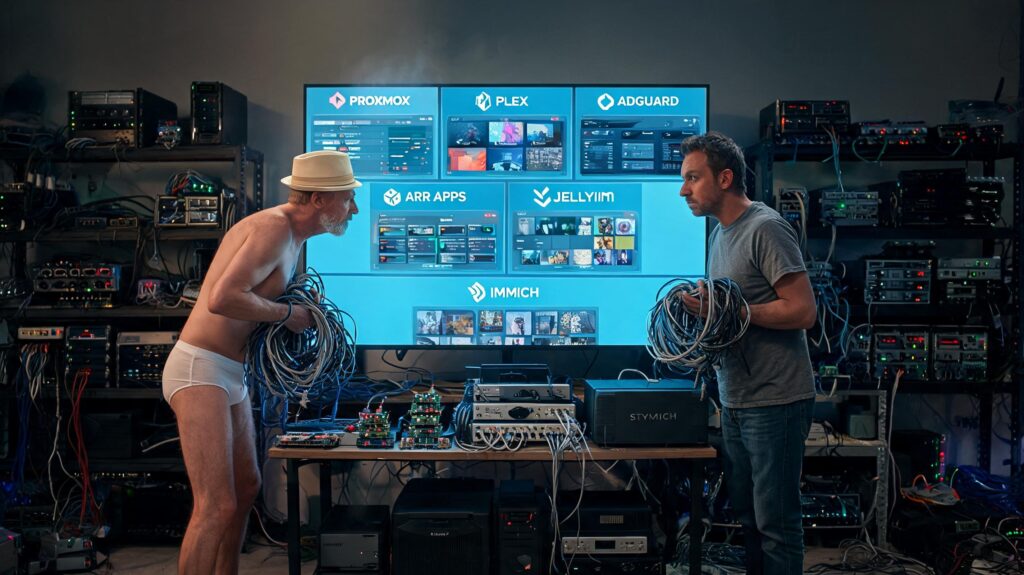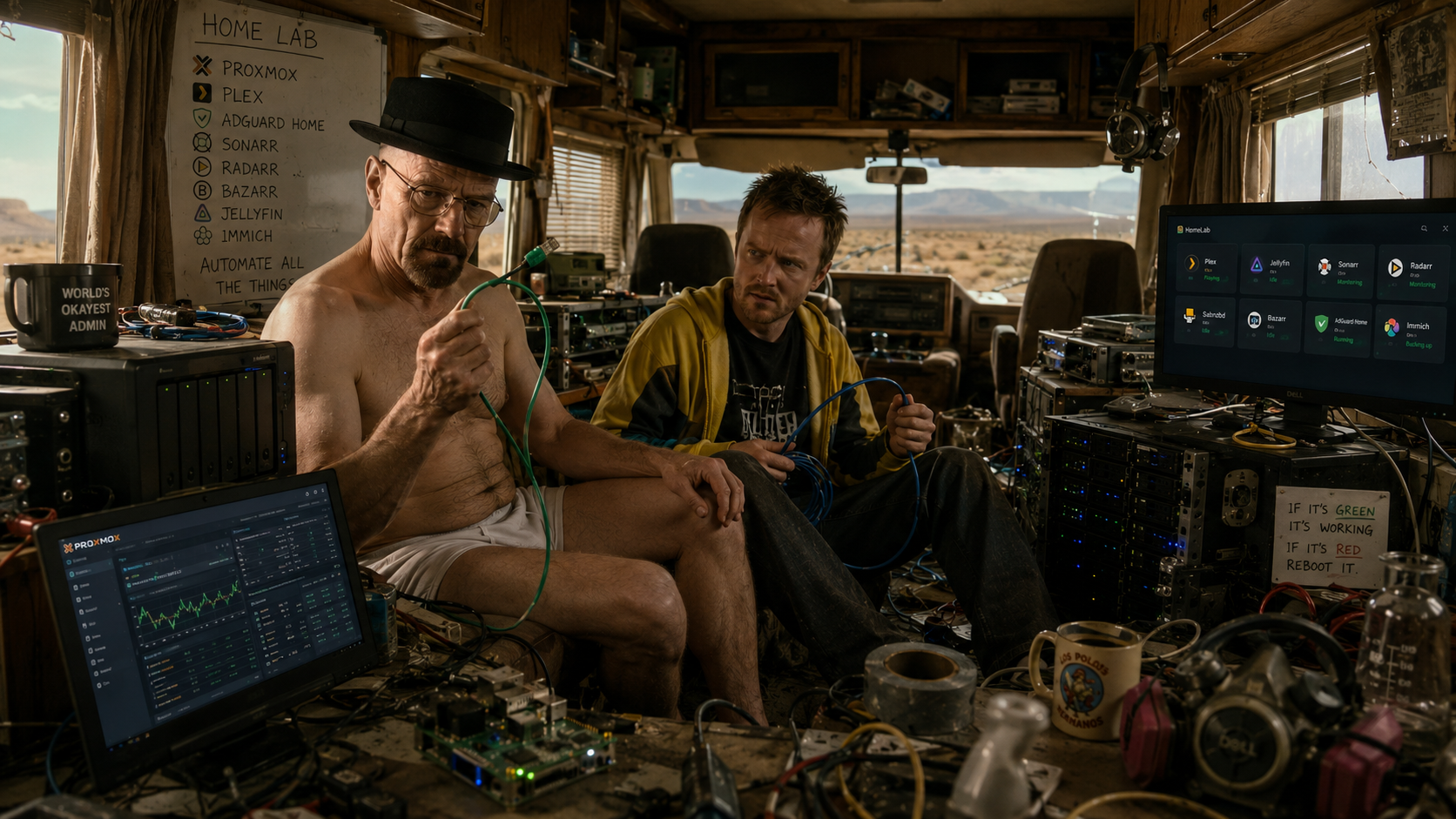
Most of us have several hobbies and I am no exception. It is probably no surprise that – given my job – one of my hobbies is IT related. I am, what one would call, an avid “Homelabber”. Now, before you start thinking about a “Walter White” and Jesse Pinkman-like “home lab” this kind of homelabbing is probably not what you might think it is.
What is “homelabbing”?
Homelabbing is the practice of setting up personal servers, networking gear, and storage devices in your house to act as a private IT laboratory.
It allows enthusiasts – like myself – to learn new technologies, build skills for their careers, and host personal applications to regain control over their data and privacy.
What is a Homelab?
A homelab can be as simple as an old laptop or a tiny Raspberry Pi running a single app, or as complex as a dedicated rack of enterprise-grade servers and switches. The defining feature is that you are building and managing the infrastructure yourself rather than relying on commercial cloud services.
Why Do People (like myself) Build Homelabs?
There are a couple of reason why one would like to build a homelab.
- Self-Hosting: Instead of paying for subscription services or storing data in the cloud, homelabbers host their own media servers (like Plex or Jellyfin), private photo clouds (like Immich), password managers, and smart home automation systems.
- Skill Building: IT professionals, developers, and students use homelabs as sandboxes to practice system administration, learn Linux, test Docker containers, or study for certifications without breaking company systems.
- Data Privacy & Control: Homelabbers value keeping their personal data in their own physical possession rather than on public servers that restrict access or increase fees.How to StartMost beginners start by repurposing old hardware or buying small, low-power desktop computers, commonly referred to as “Mini PCs.” From there, they typically install a hypervisor (like Proxmox) which allows them to run multiple virtual operating systems on a single physical machine.
But for me it’s mostly fun! I love to tinker with hard- and software. And once I upgraded my home internet to 1Mbps fiber-optic internet from KPN Internet, which basically gives you a static IPv4 IP address, I figured I had more than enough bandwidth to host some stuff on my own.
As I mentioned in my State of the blog, I intend to share my experiences here as I go about. Hence my article about trying to resurrect my iLounge 24×7 radio station from the early 2000’s and struggling with incomplete documentation that prompted me to write a small tutorial on linking Azuracast to Last.fm, that I also shared on Reddit.
Anyway, what I am saying is: expect some more blogs on my homelab shenanigans in the near future.