
I fixed another issue that popped up with my homelab.
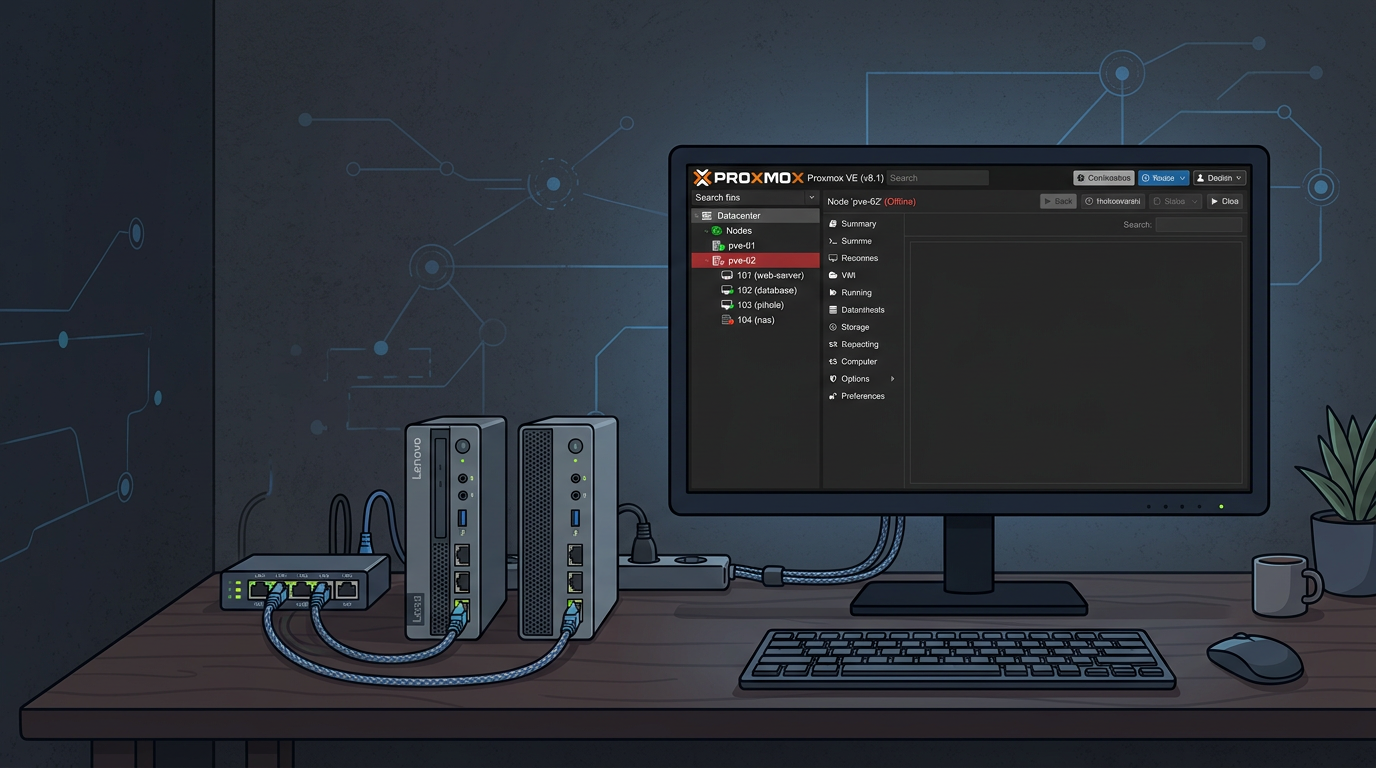
Recently my main Proxmox node (Node 1, a Lenovo M70q running Proxmox VE 9.x) started randomly dropping off the network. When it happened I experienced:
- Web UI dead
- SSH unreachable
- All LXC’s went offline
- But my VM kept running and stayed reachable from the LAN and outside
Only a hard reboot via the physical console would bring the node back. Not good! So tonight I was set on getting to the root cause of these hangups and fix it.
Root Cause: Intel e1000e Offload Bug
As it turns out my M70q boxes use an Intel NIC driven by the e1000e driver. Unbeknownst to me there’s a long‑standing bug on this hardware where certain offload features cause the NIC to hit a “hardware unit hang” under load. I wasn’t aware of this but running into multiple “hangs” in the last week.
Since I am definitely not a Linux / hardware expert, I used AI (Perplexity) to analyse my log and it immediately pinpointed to the root cause!
In dmesg you’ll typically see messages like:
e1000e eno2: Detected Hardware Unit Hang
The trigger is a mix of:
- TSO/GSO/GRO and related offloads enabled by default
- Sustained or bursty traffic (backups, NAS copies, multiple VMs)
- Newer kernels that lean harder on NIC offloading
When the hang happens, the NIC’s TX ring effectively deadlocks. The host loses network (SSH/UI), but VMs can appear alive for a while because the bridge and existing flows keep going until things time out.
Fix: Disable NIC Offloading
The permanent fix is to turn off hardware offloading on the Proxmox host NIC. Below is an example for interface eno2; adjust the name for your setup.
- Disable offloading live:
ethtool -K eno2 gso off tso off gro off rxvlan off txvlan off rx off tx off sg offVerify:
ethtool -k eno2 | grep -E 'tcp-segmentation-offload|generic-segmentation-offload|generic-receive-offload' # all should be: off - Make it persistent in
/etc/network/interfaces:iface eno2 inet manual post-up /sbin/ethtool -K eno2 gso off tso off gro off rxvlan off txvlan off rx off tx off sg off auto vmbr0 iface vmbr0 inet static address 192.168.0.100/24 gateway 192.168.0.1 bridge-ports eno2 bridge-stp off bridge-fd 0Apply the change:
systemctl restart networking - Repeat on any other Proxmox nodes that use the same Intel NIC/driver.
Extra Safety: Simple Watchdog
On the flaky node I also added a small watchdog script (run via cron every 5 minutes) that:
- Pings another node
- Checks SSH and Proxmox services
- Attempts to restart services, networking, or the NIC if something looks wrong
In practice, after disabling offloads on both nodes, the watchdog hasn’t had to intervene as of yet.
Result
Since turning off TSO/GSO/GRO on the Intel e1000e NIC:
- No more “node offline but VMs alive” events
- Both Proxmox nodes have been stable under the same workload
- No noticeable performance impact on this homelab hardware
If your Proxmox node randomly vanishes from the network and you’re on Intel e1000e, check your NIC offload settings – you may be hitting the same bug.
Anyway: I learned a great deal again.